
Works with Huahong hearing aids. It delivers device management, volume adjustment, scene switching, noise reduction, tinnitus masking and frequency-specific hearing tests to help users operate their hearing aids more comfortably.
Covering hearing aid connection, tuning and hearing assessment workflows
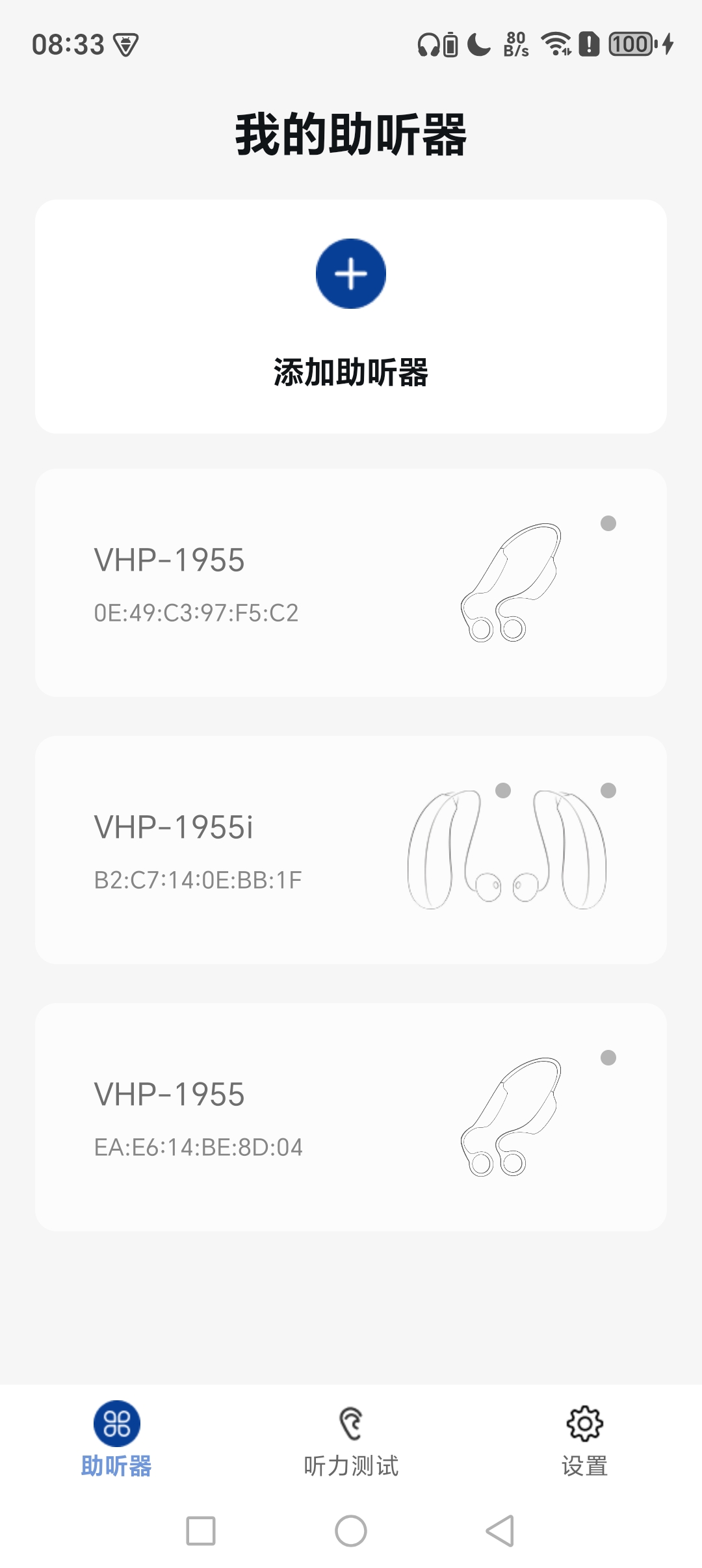
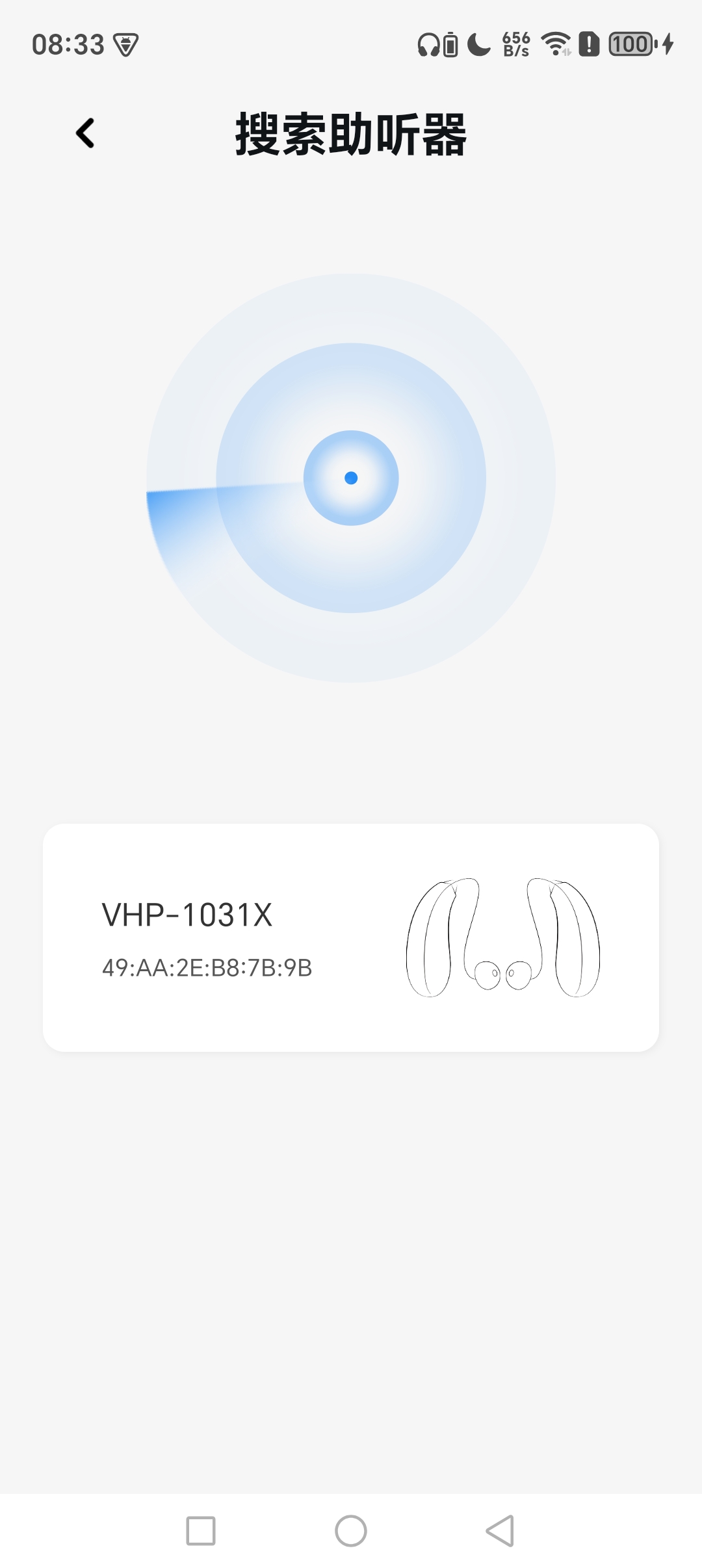
Search and pair hearing aids via Bluetooth. The device list displays model and connection status for managing multiple hearing aids.
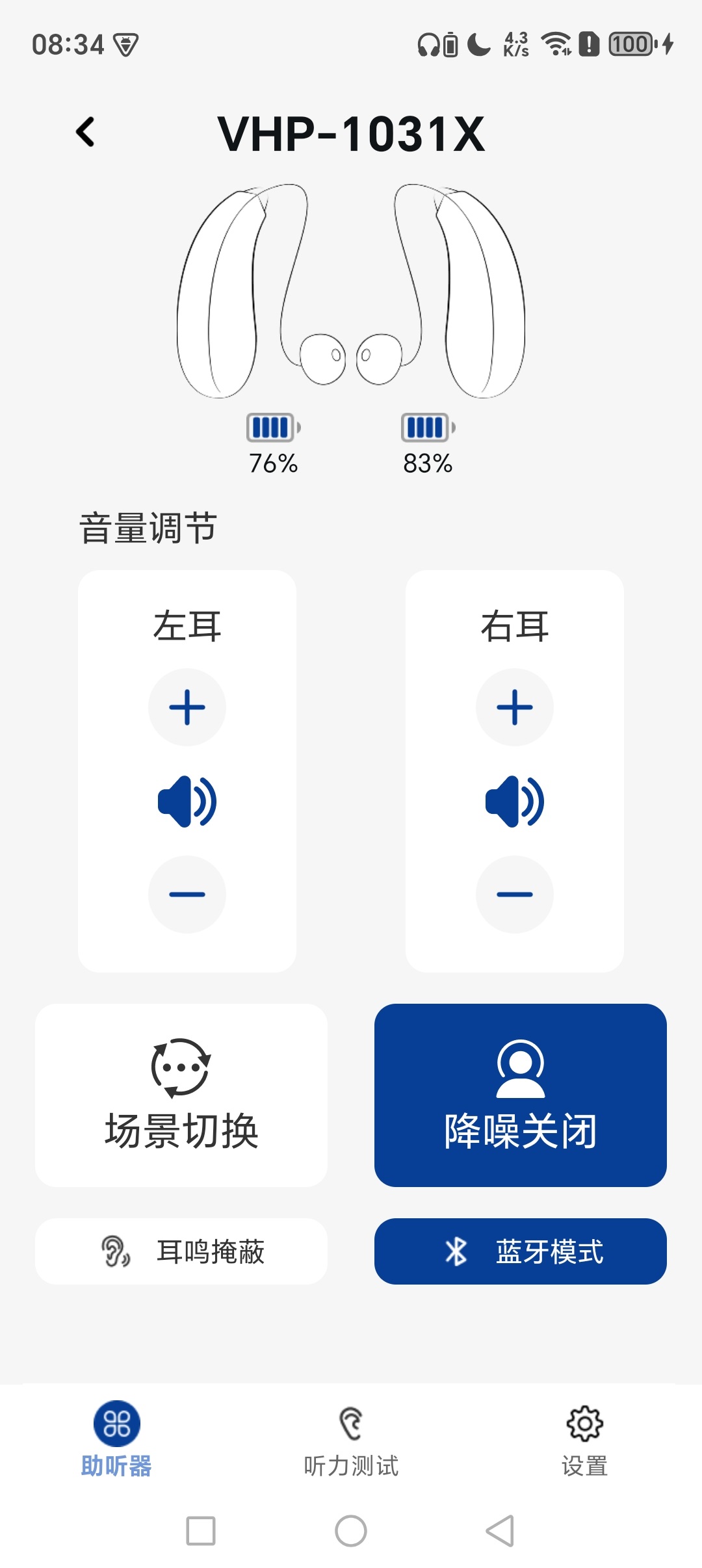
Independent volume adjustment for left and right ears. Ear battery percentage is shown in real time on the device page.
One-tap switching between listening presets. Noise reduction can be toggled while connected over Bluetooth.
Built-in tinnitus masking switch. Users can turn it on to get supplementary sound relief for tinnitus.
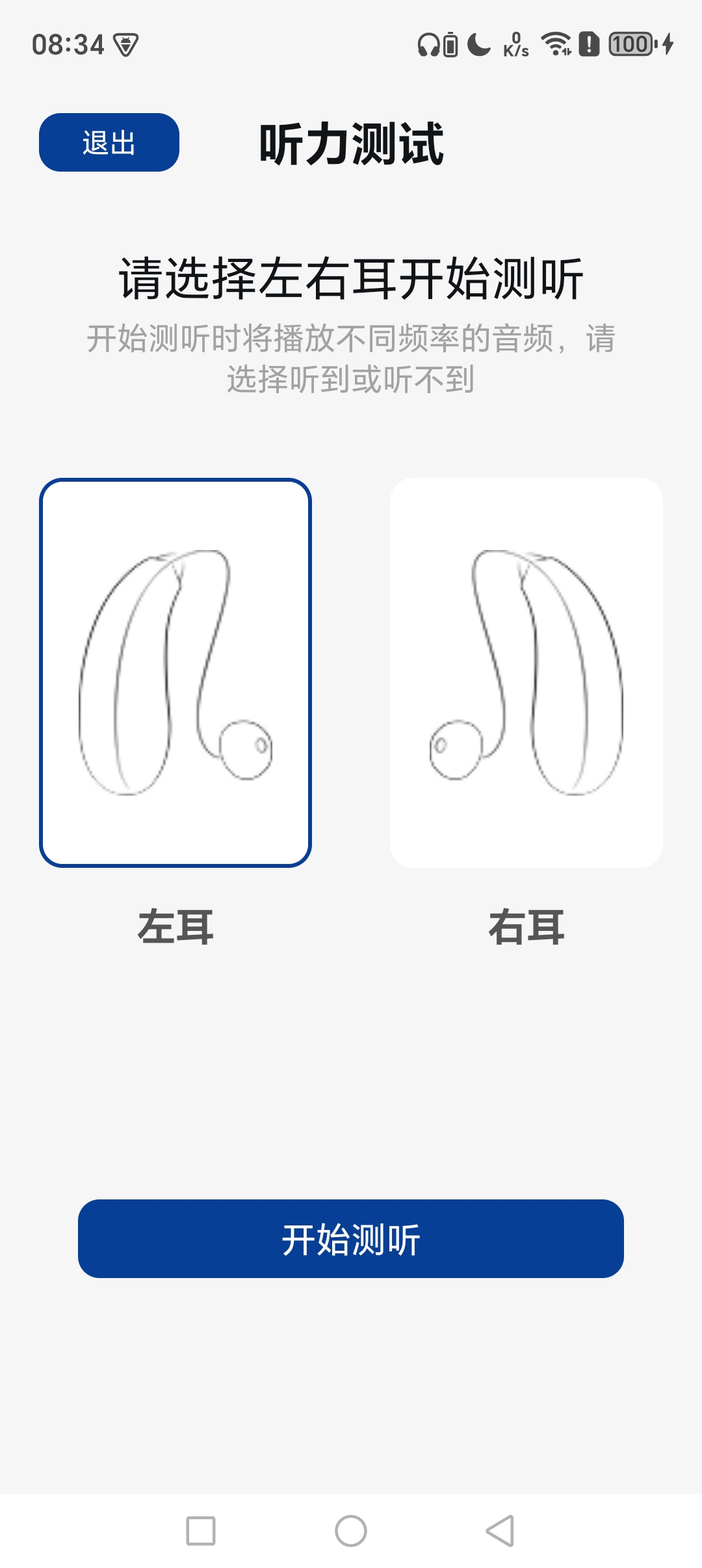
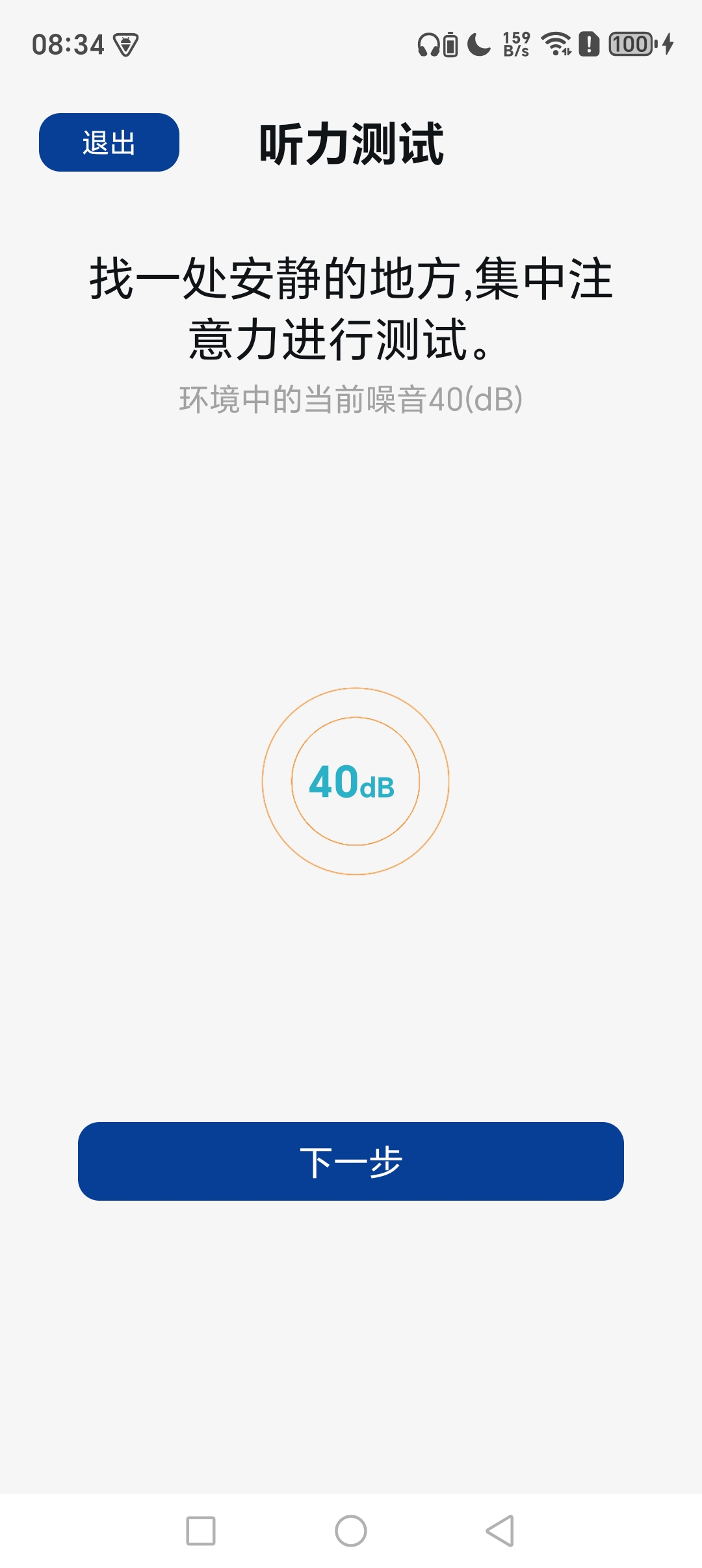
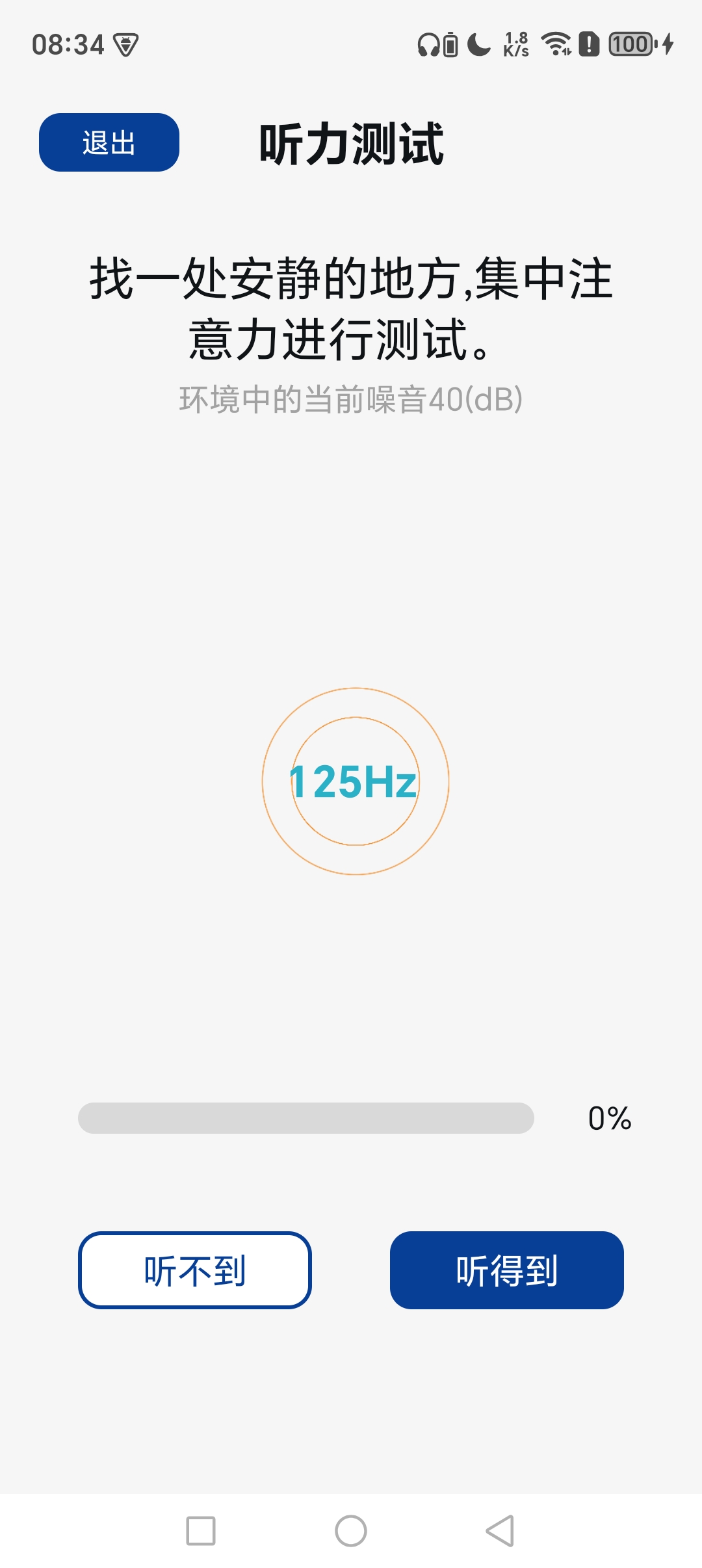
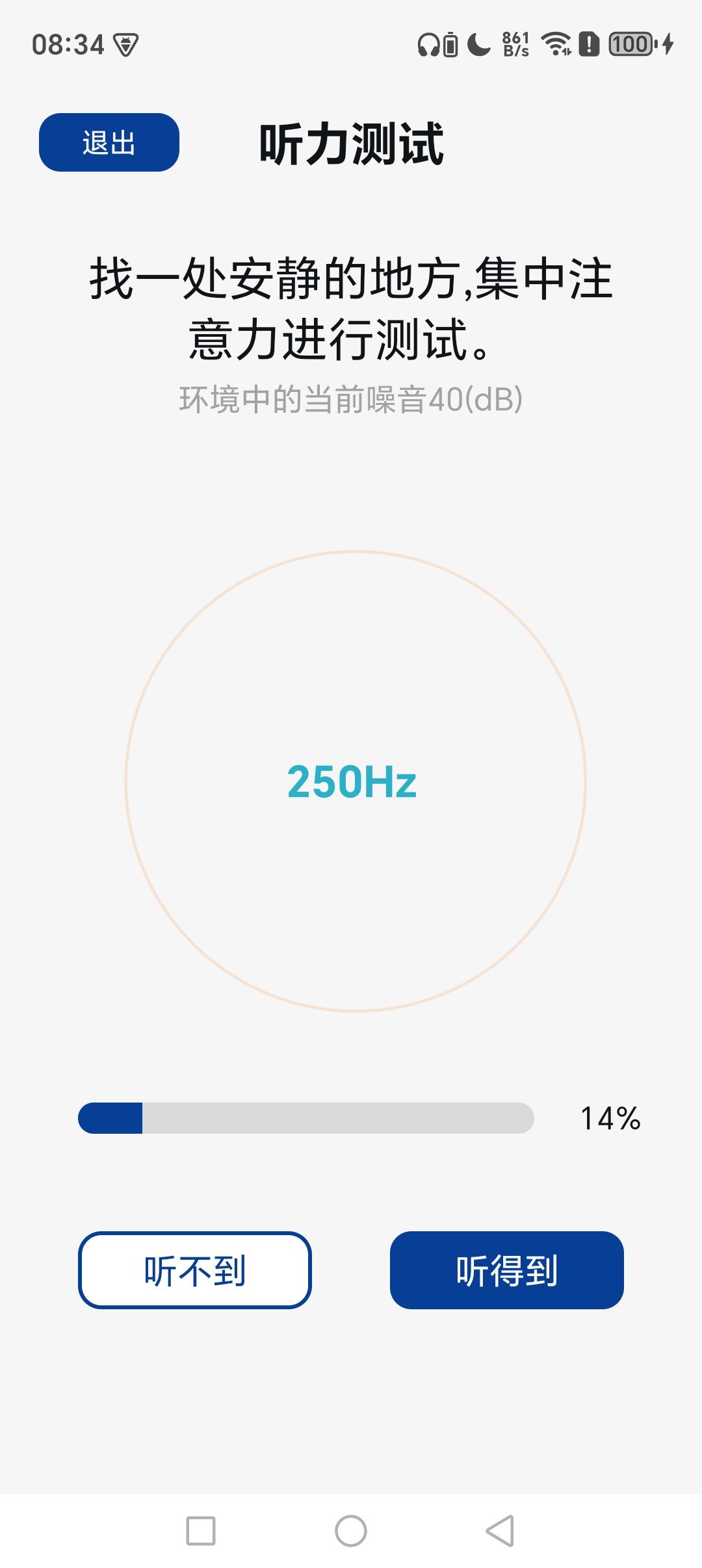
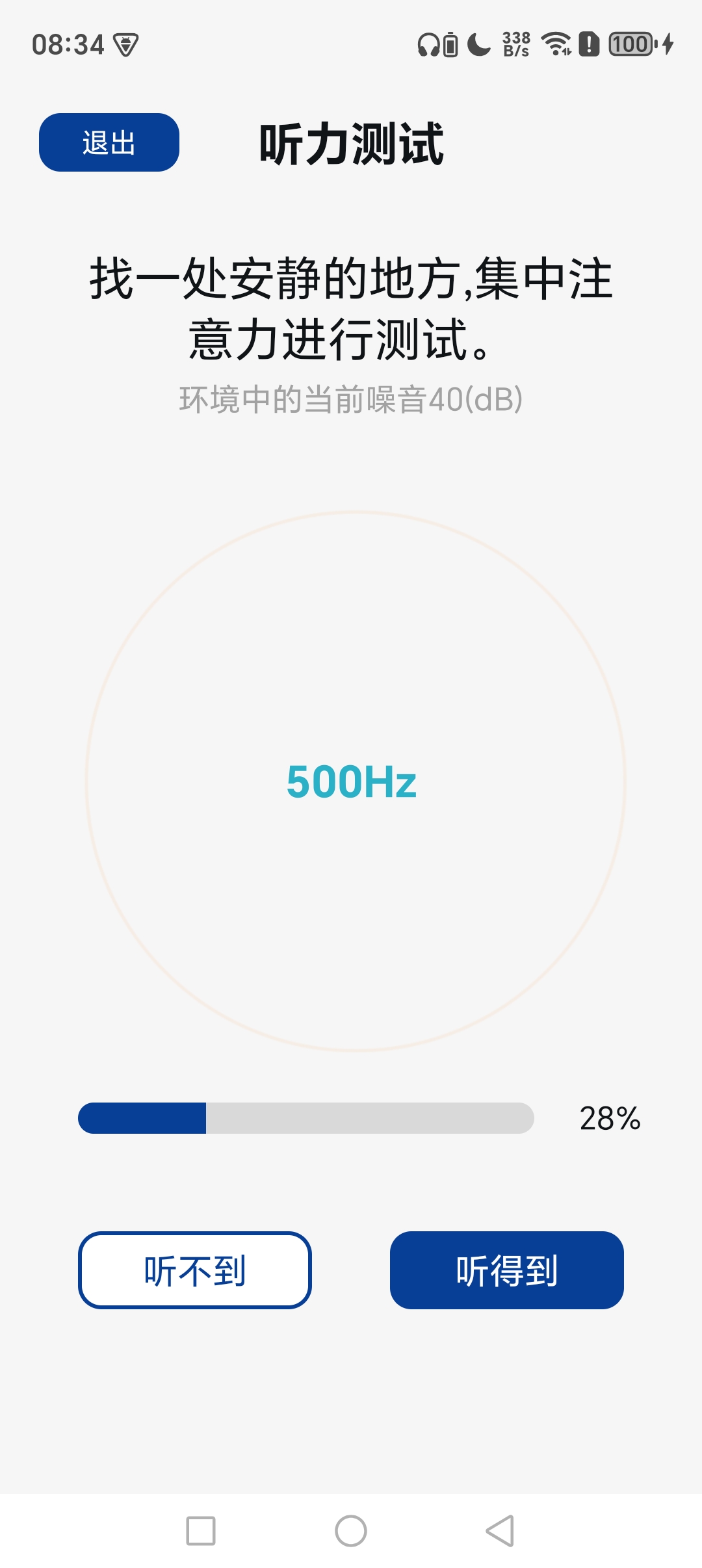
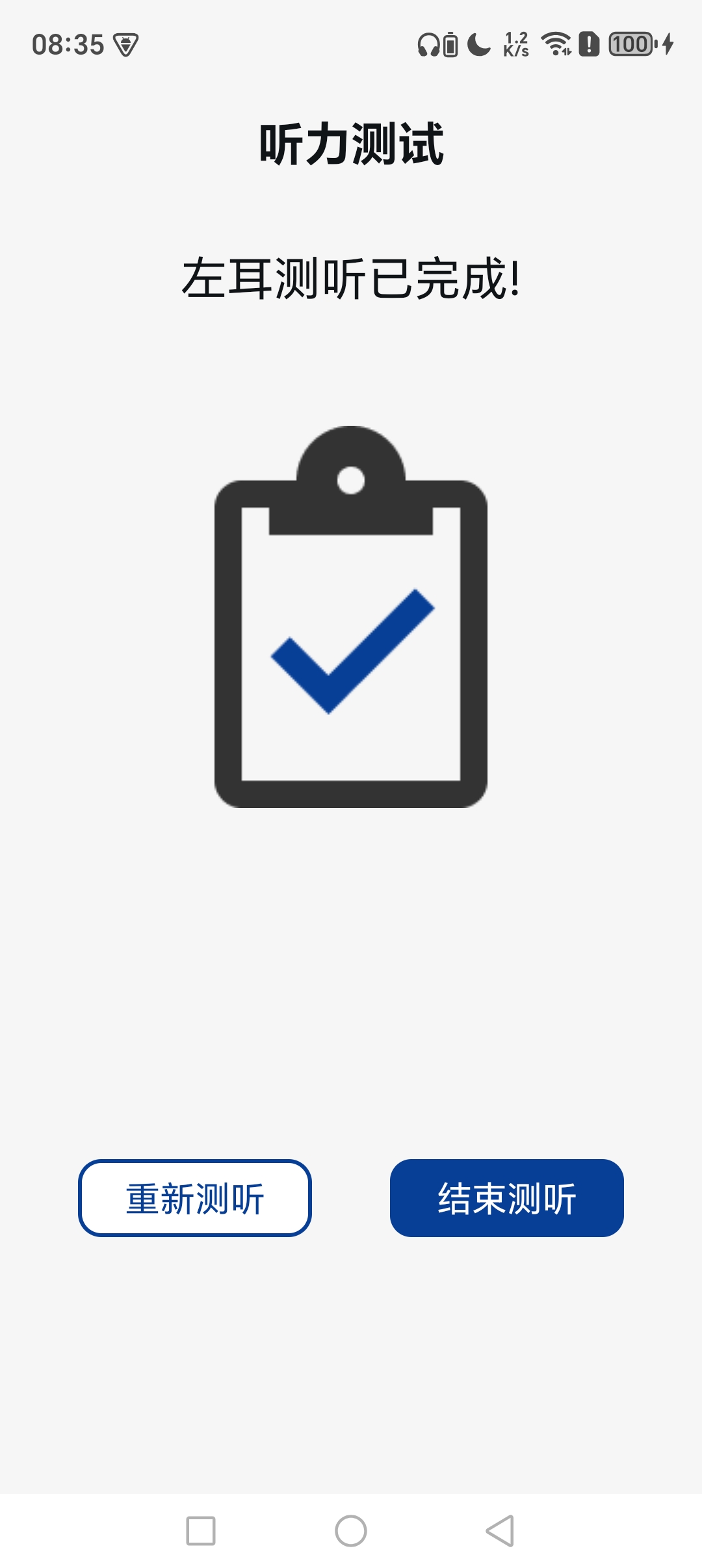
Ambient noise calibration first, then separate testing for left and right ears from 125Hz to 6kHz. Follow prompts to indicate audible or inaudible tones.
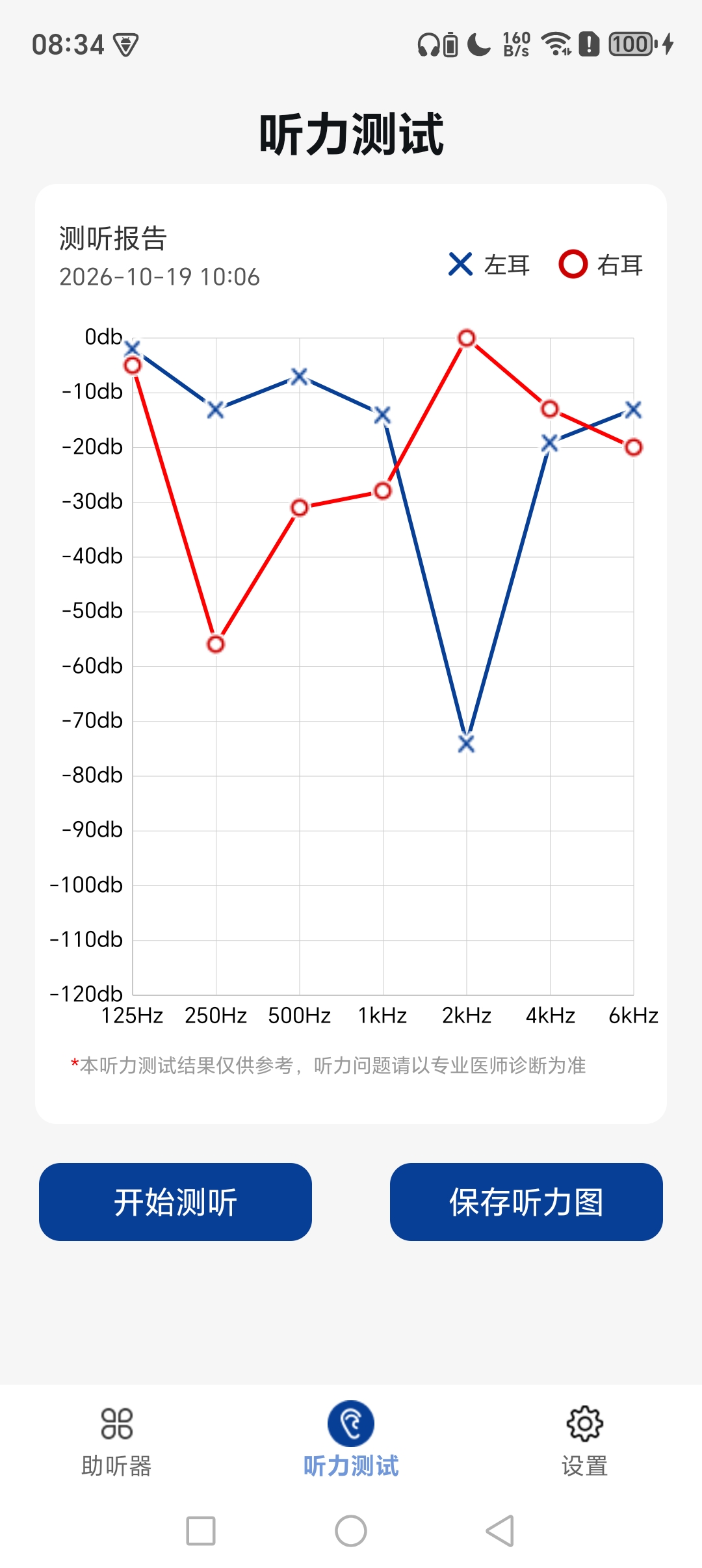
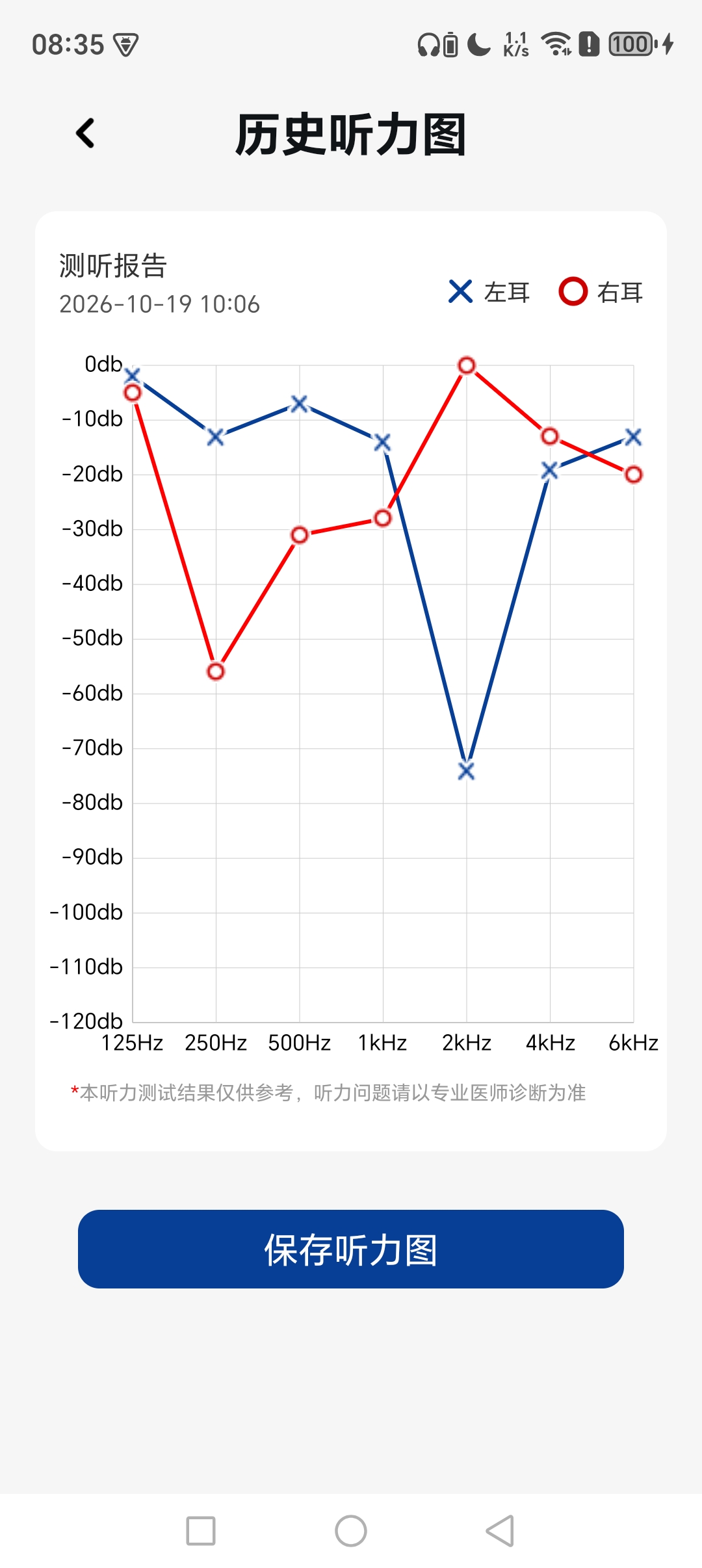
Generate audiogram reports for both ears after testing. Save results and view historical audiograms anytime.
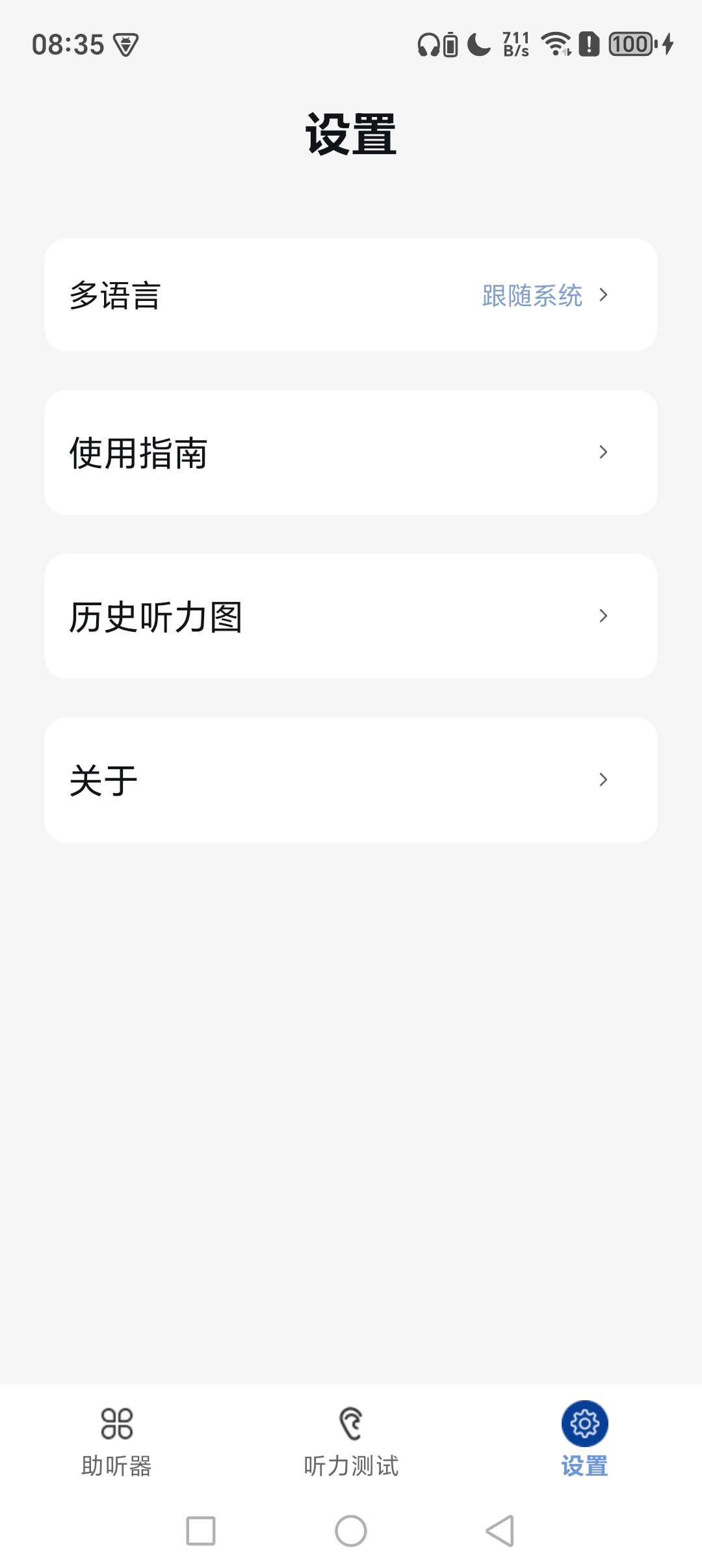
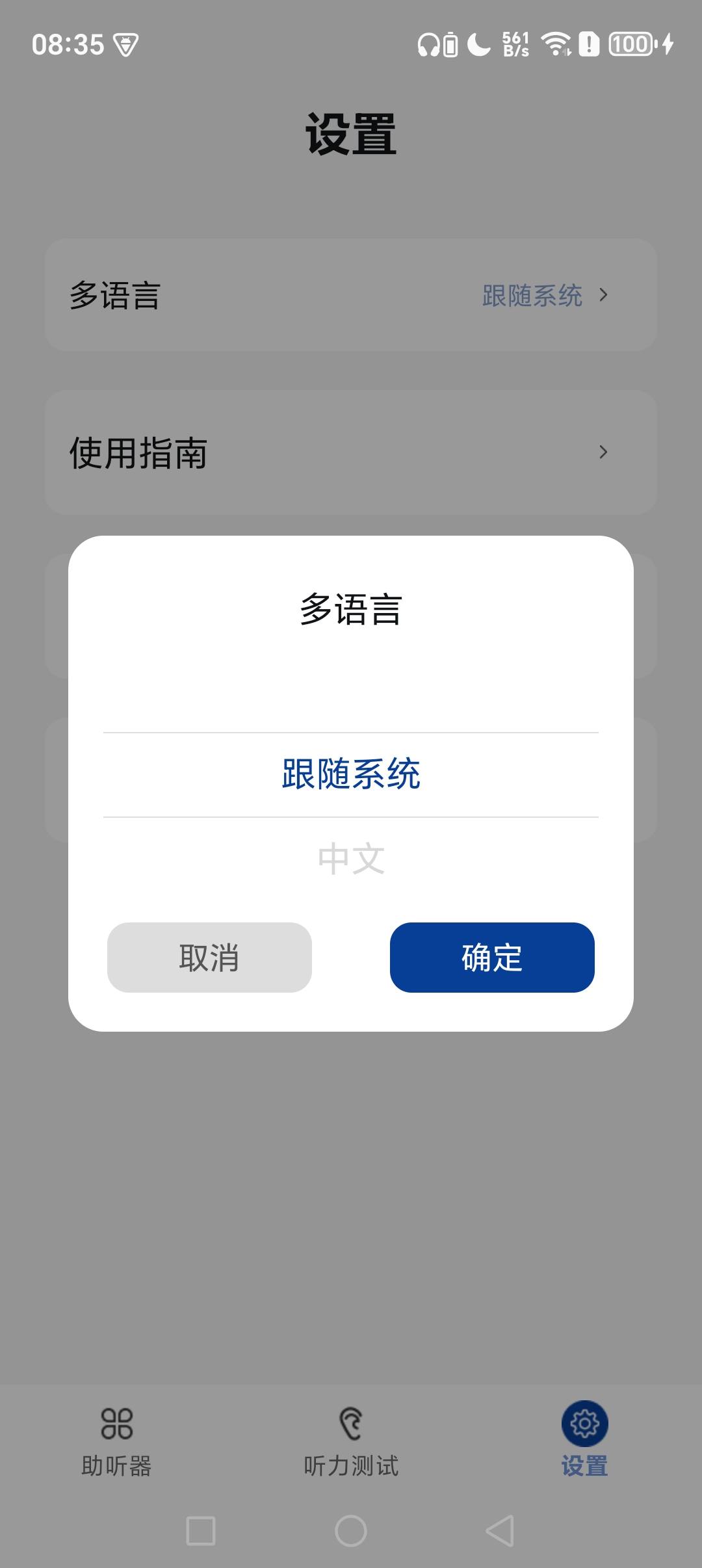
The UI follows system language or can be manually switched. User guide is available inside settings.
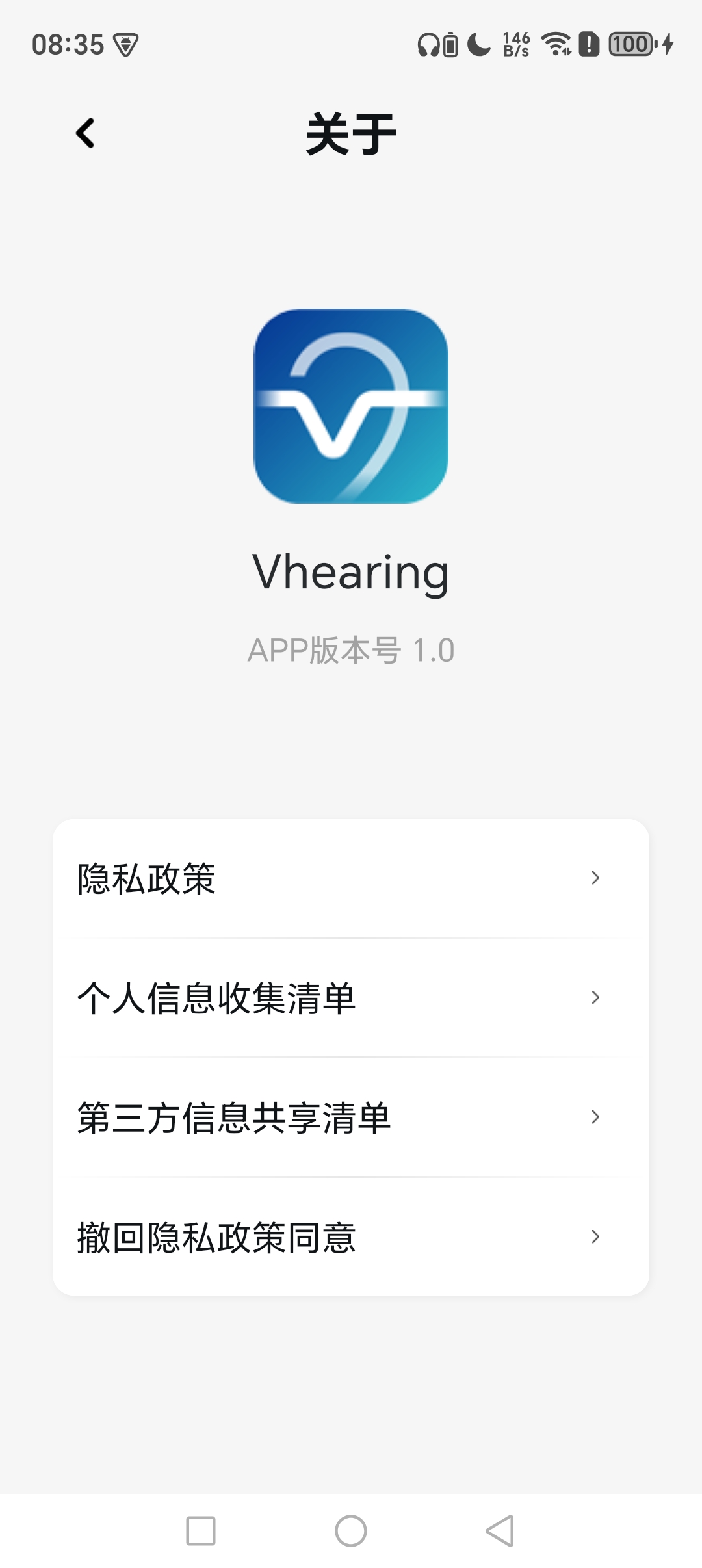
Access privacy policy, personal data collection statement and third-party data sharing notice, plus consent withdrawal entry.
Captured from live application
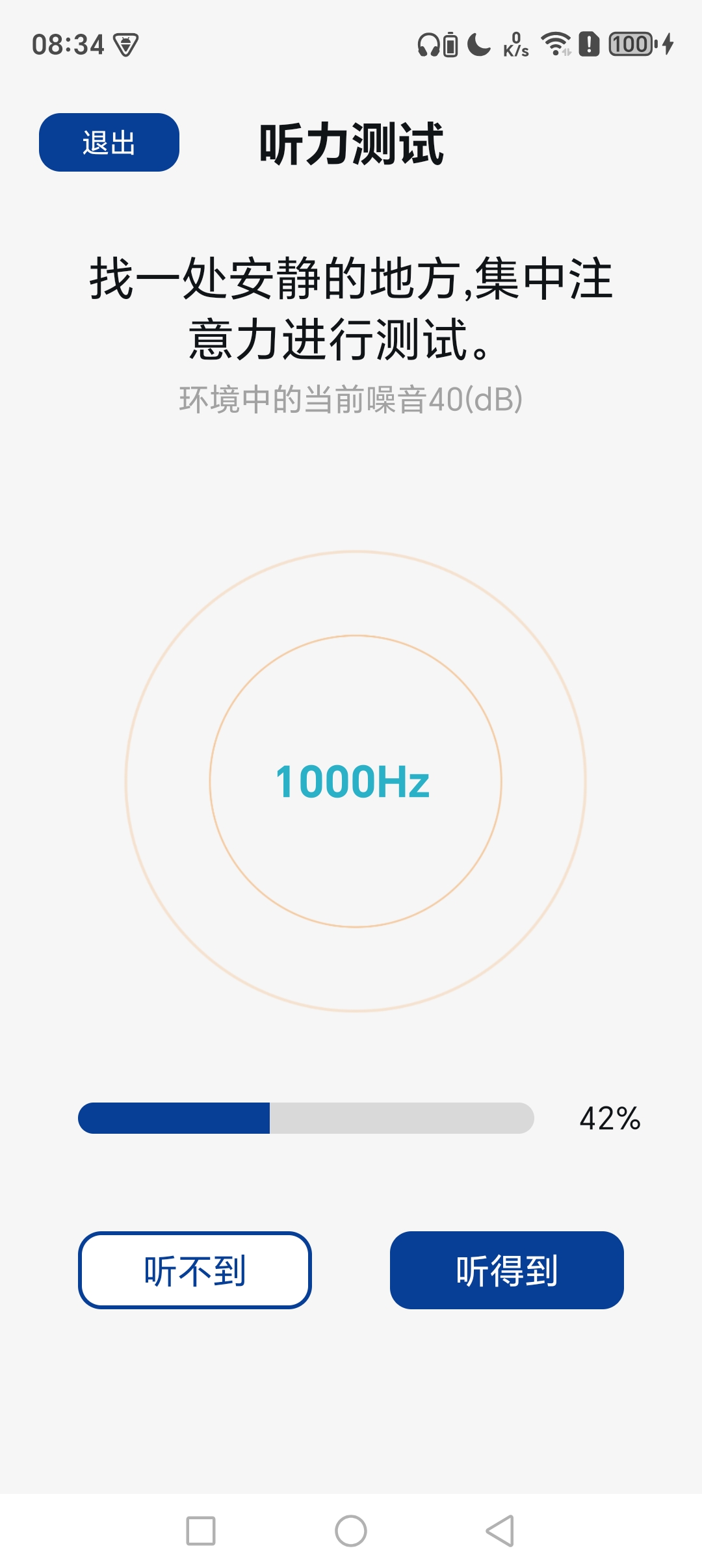
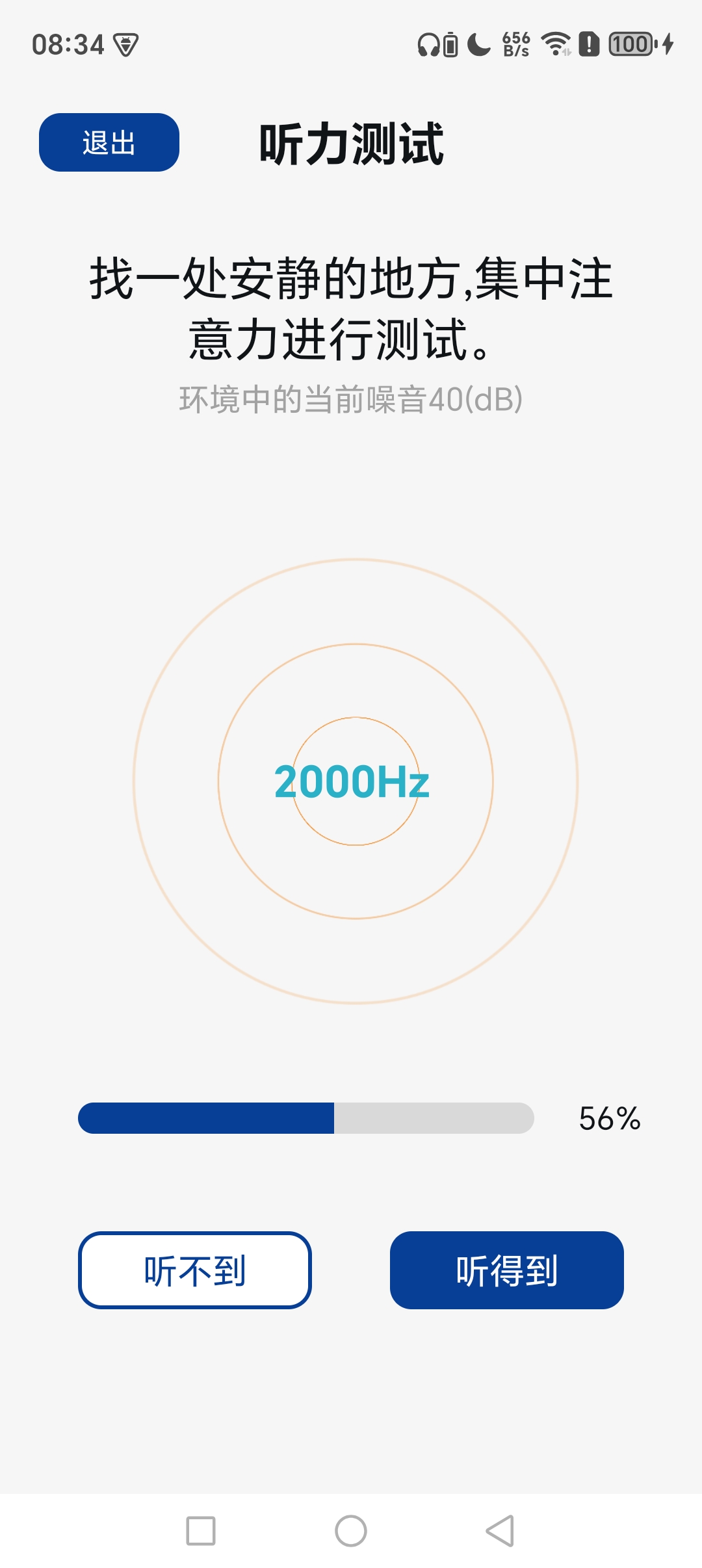
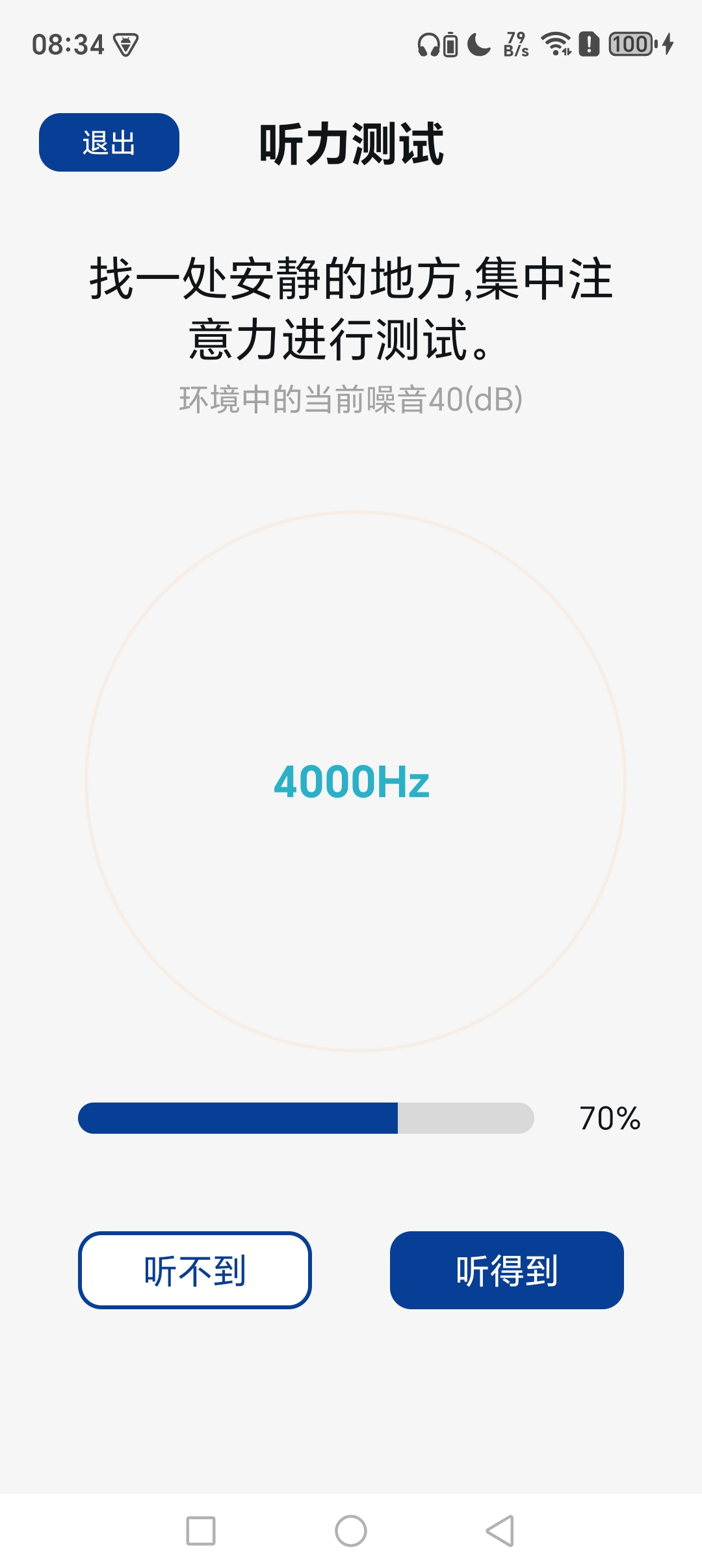
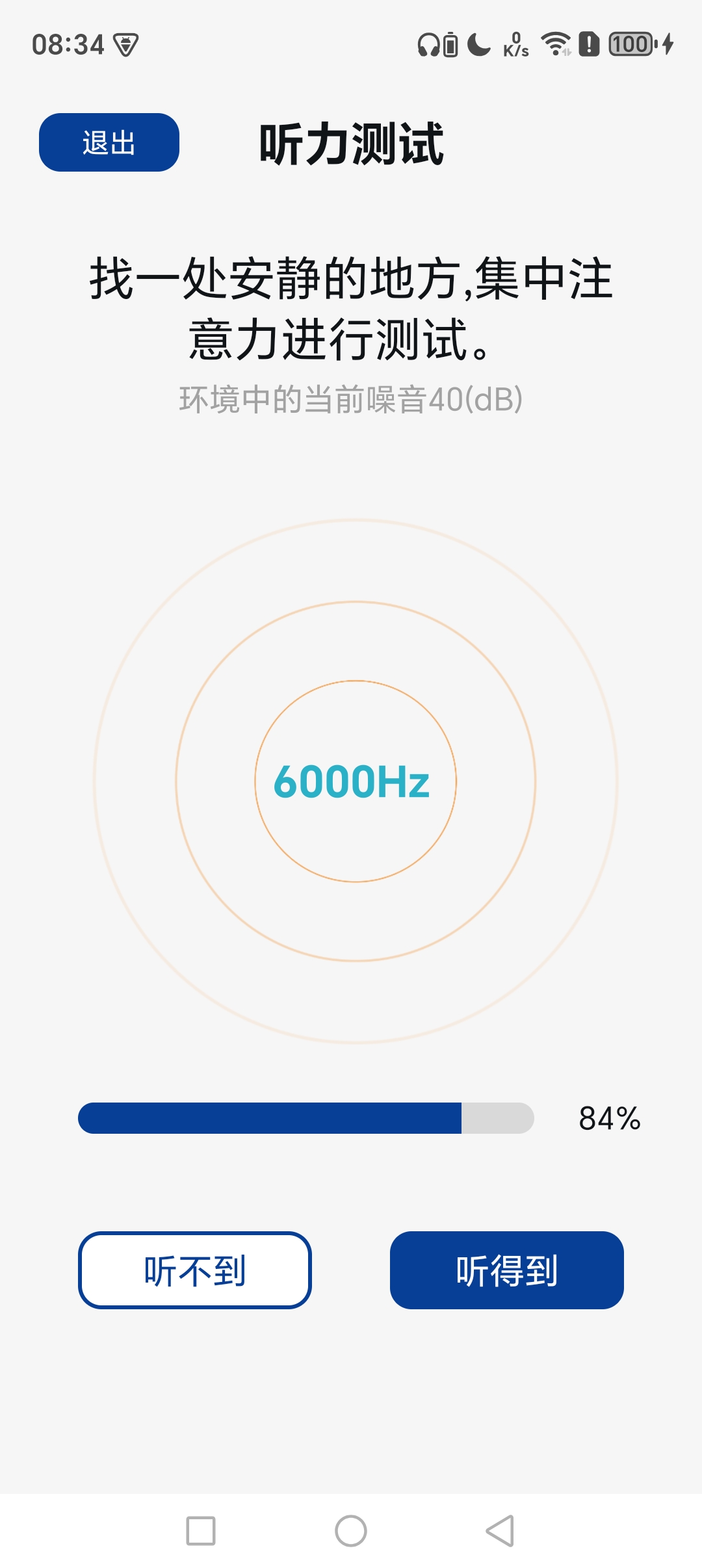
Common scenarios supported by this app
Switch listening presets and toggle noise reduction based on surroundings, adjust left/right volume for comfortable hearing.
Take frequency-specific hearing tests in quiet environments to generate audiograms. Results are for reference only. Always consult a qualified audiologist for clinical diagnosis.
Store sequential audiogram records to compare changes in hearing ability over time.
Software Development Consultation
For online communication, please click Online Consultation
Consultation Hotline:
13412889989